

Designing a User Interface (UI) and User Experience (UX) can take time, from user research to launch. Designers are expected to act faster as demand for UI/UX design increases. Therefore, using AI tools for UI UX design can be convenient for streamlining your job. Find out what AI tools you should use here.
10 Prime AI Tools for UI UX Design
With the help of AI tools, you design UI and UX faster, like generating wireframes, prototyping, and website content. Hence, you must consider utilizing these tools.
1. Uizard
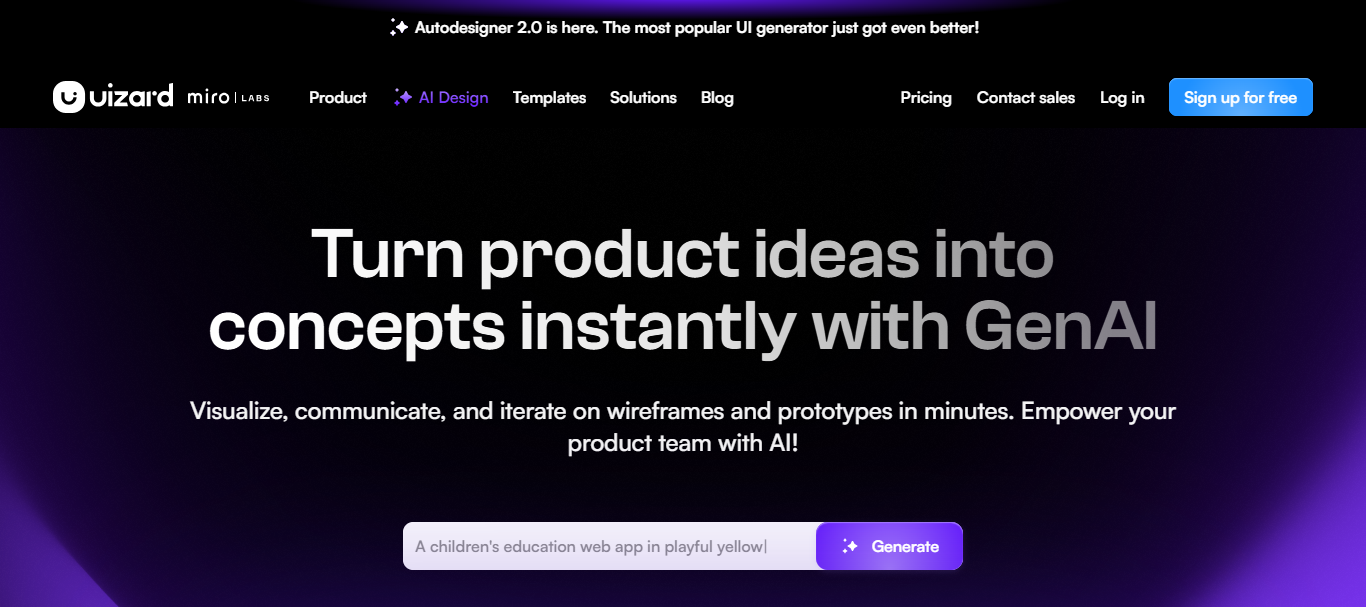
This AI tool is the greatest in simplifying the UI and UX process. With Uizard, you can easily bring your ideas to reality without requiring manual coding.
Features:
- Easy-to-use design editors;
- a vast library of pre-made UI components;
- AI generation tools.
Pros and Cons:
| Pro | Con |
| Simple and clean interface; Wide collections of templates and UI components. | Limited features in the free version; AI tools may produce bad-looking results. |
Prices:
- Free: $0
- Pro: $12 per month
- Business: $39 per month
Also Read: Top 15 Best Clean Website Designs Inspiration in 2025
2. Framer
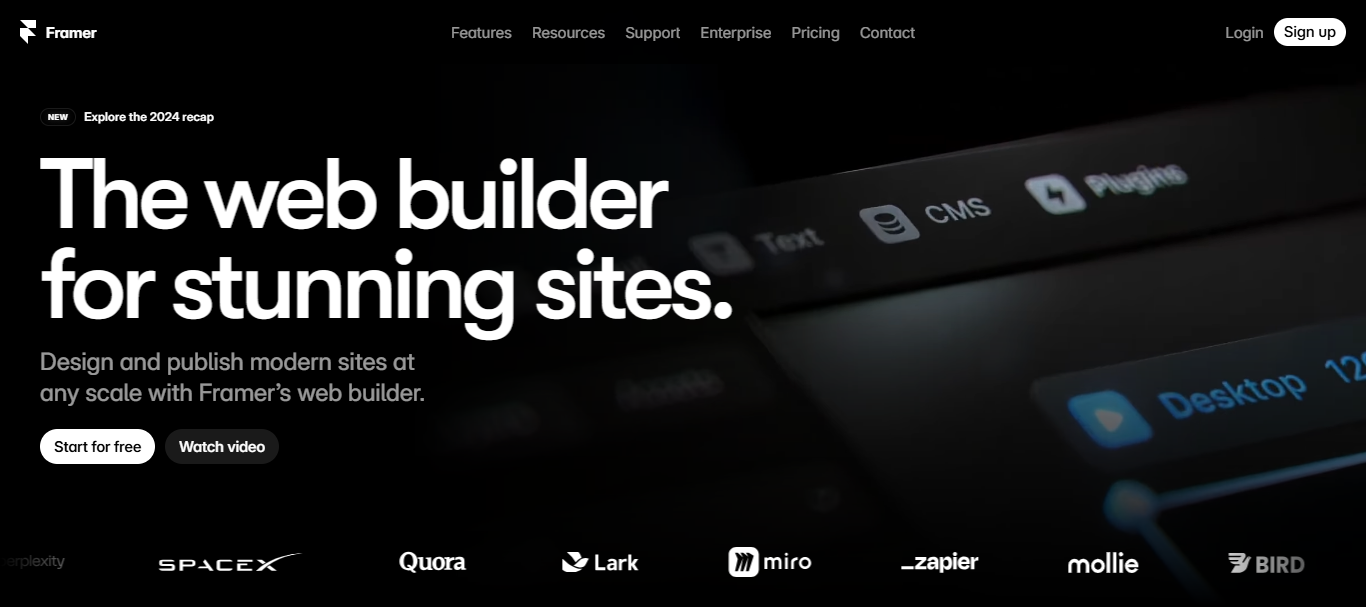
Framer is one of the most versatile and dynamic AI UI UX design tools. This platform offers great collaboration features and vast integrations.
Features:
- Rich-feature AI tools;
- integration with Figma;
- real-time collaboration.
Pros and Cons:
| Pro | Con |
| Fast-responding pages; vast plugin ecosystem. | High learning curves; expensive pricing. |
Pricing:
- Mini: $5 per month
- Basic: $15 per month
- Pro: $30 per month
- Startup: $75 per month
3. Jasper
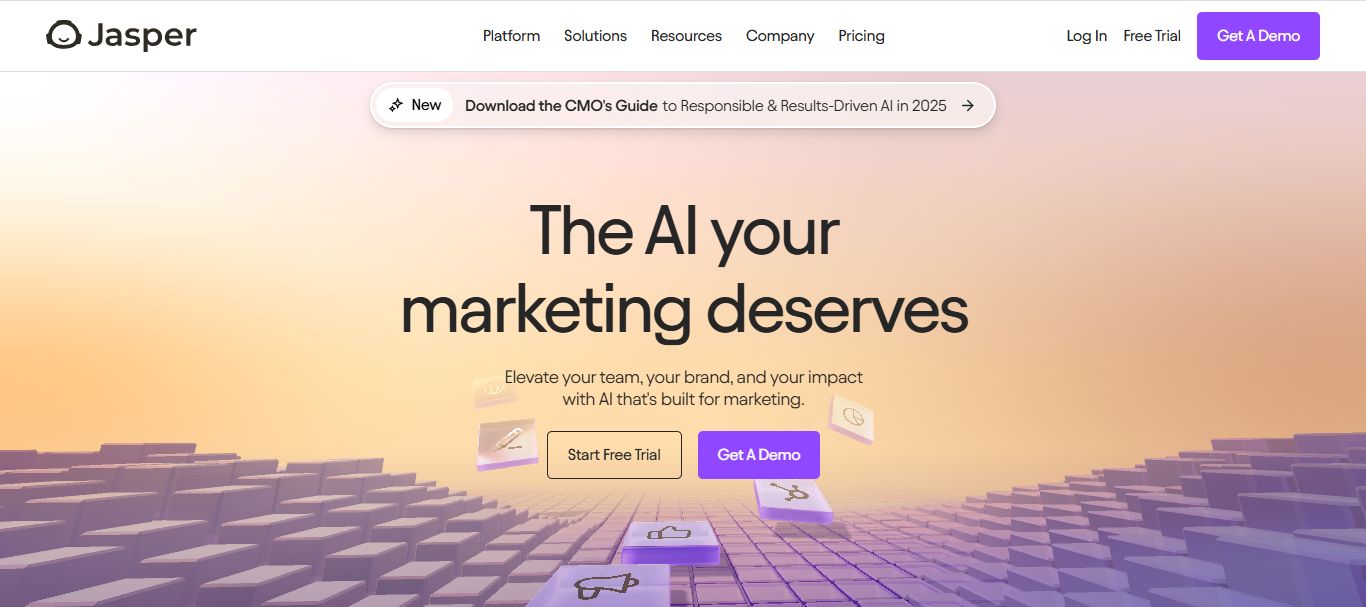
Jasper is a great supporter of your UX design journey. It does not just follow your command, but collaborate with you to create a memorable brand.
Features:
- Marketing editor;
- brand voice;
- Jasper Chat.
Pros and Cons
| Pro | Con |
| Build genuine brand content; handy templates. | Expensive. |
Pricing:
- Creator: $39 per month
- Pro: $59 per month
- Business: custom pricing
4. Galileo AI
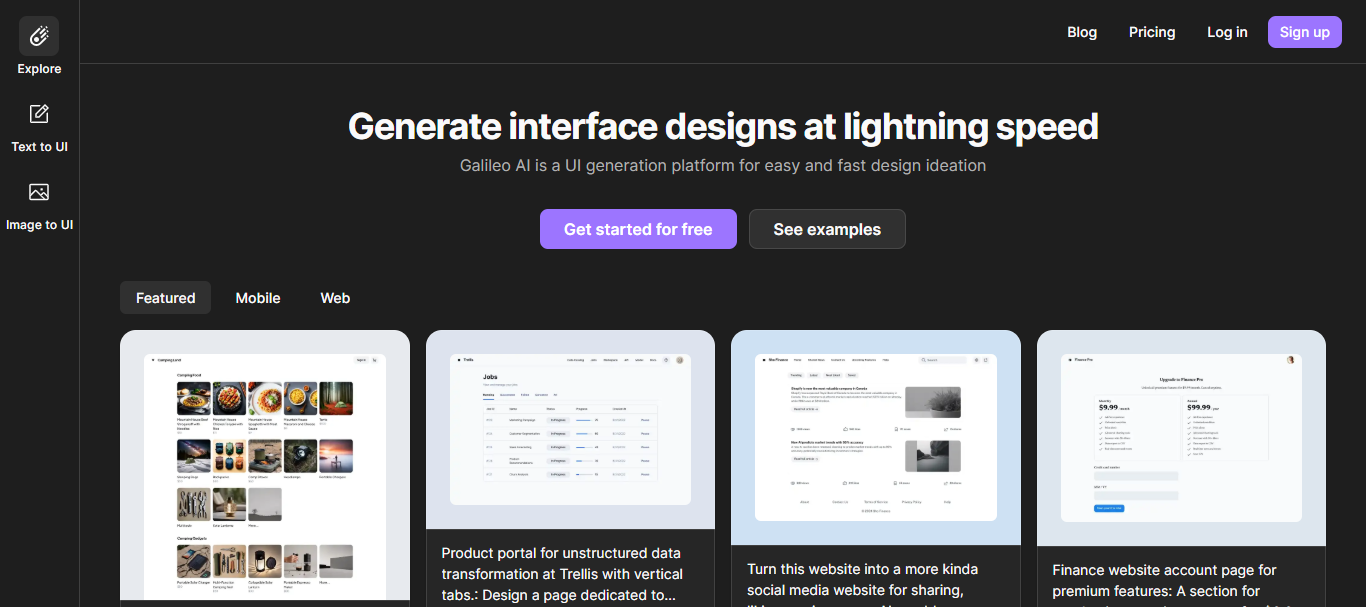
Like Uizard, Galileo Ai is one of the most reliable AI tools for UI UX design. This platform offers rapid UI generation that will streamline your design process.
Features:
- Extensive templates;
- seamless interaction tools;
- design assistance.
Pros and Cons:
| Pro | Con |
| Advanced analytics; cloud-based features. | Limited third-party integrations; No offline feature. |
Pricing:
- Standard: $16 per month
- Pro: $32 per month
- Enterprise: custom pricing
Also Read: Top 10 Best Websites for Free Fonts in 2025
5. Visily
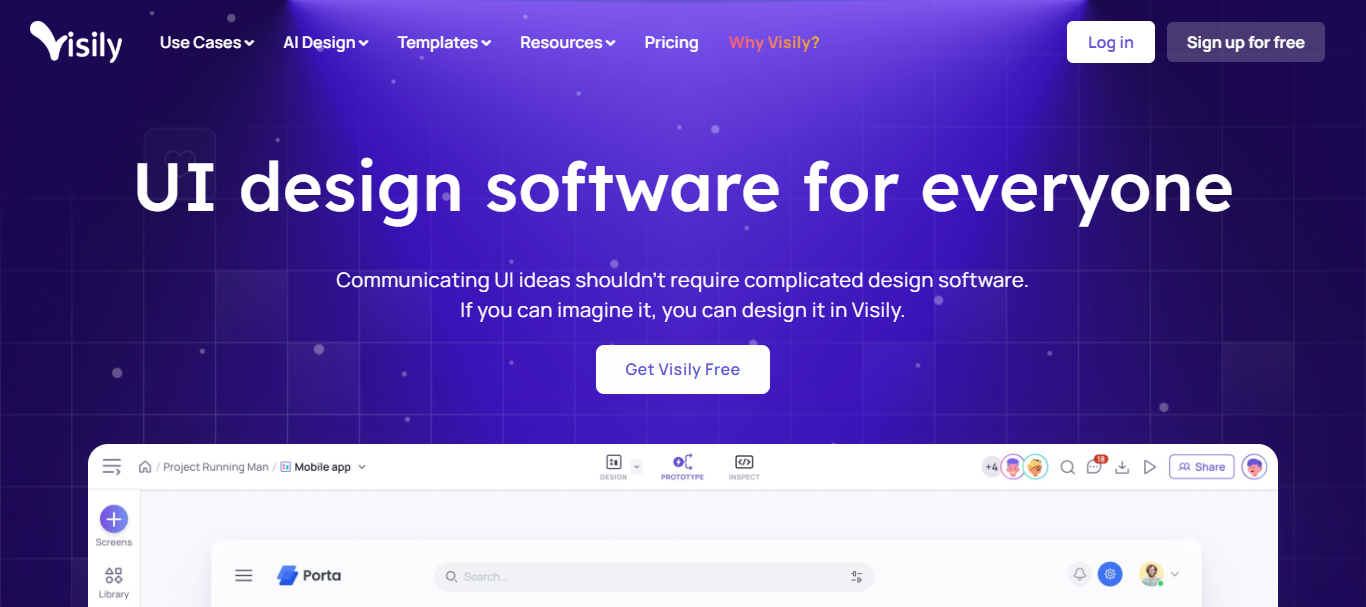
If you want to turn your sketch into a functional wireframe, Visily will be the best tool.
Features:
- Collaborations features;
- extensive template library;
- AI-powered design tools.
Pros and Cons:
| Pro | Con |
| User-friendly; seamless integrations. | Complicated AI features; Limited features in the free plan. |
Pricing:
- Free: $0
- Pro: $11 per month
- Business: $29 per month
- Enterprise: bespoke pricing
6. Fronty
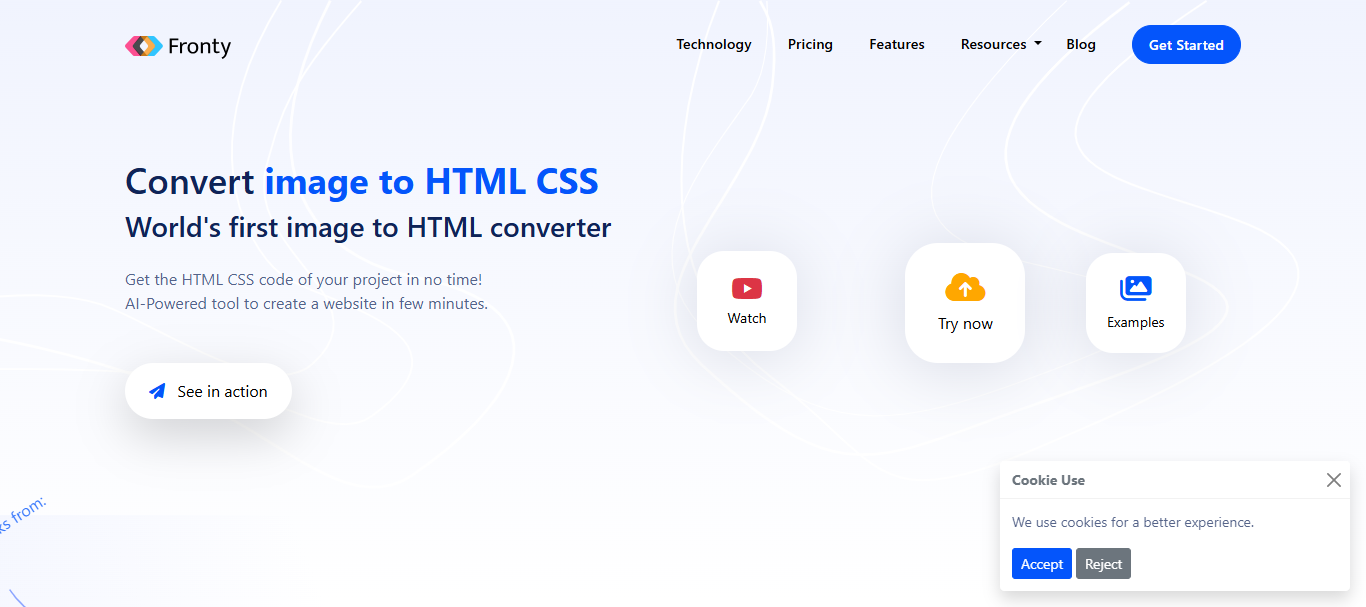
Have trouble with coding? Fronty can help you. This platform is one of the handy AI tools for UI UX design that can create HTML and CSS code from any image.
Features:
- Image to HTML/CSS conversion tools;
- Integrated hosting service;
- No-code editor platform.
Pros and Cons:
| Pro | Con |
| Mobile optimization; scalability features. | AI conversion can be generic and inaccurate; learning curve for features. |
Pricing:
- Freemium: $0
- Pro: $2.52 per month
- Advance: $9 per month
7. Khroma
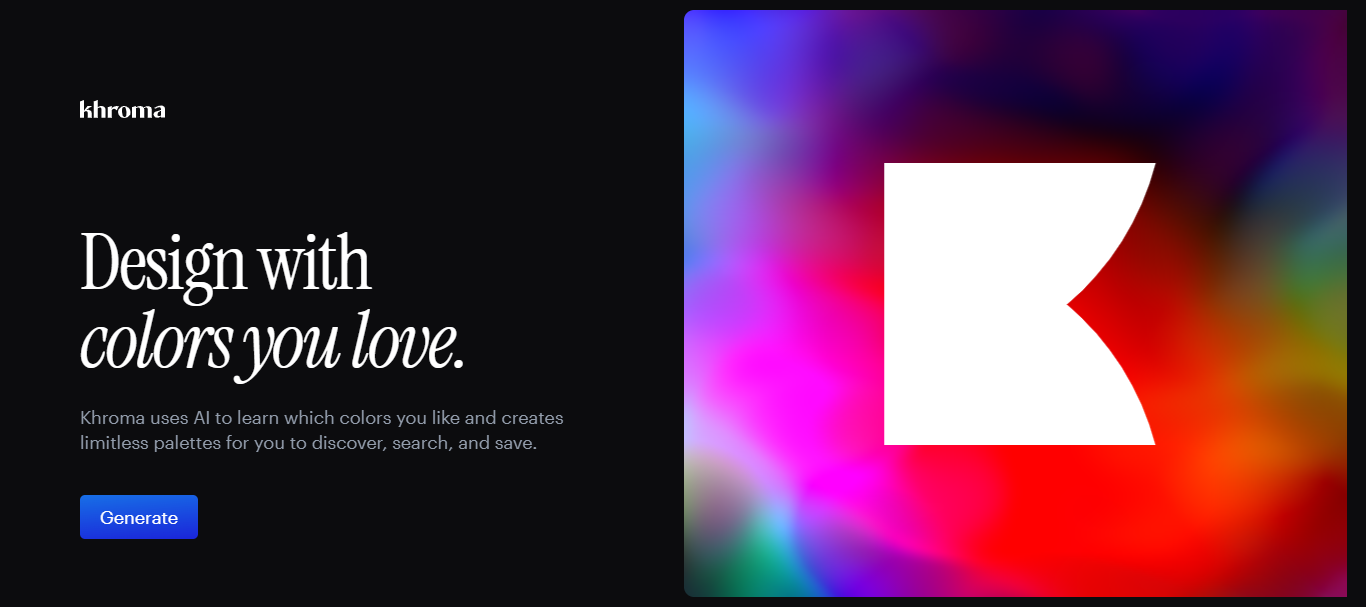
Can’t decide what colors for your interface design? Use Khroma to find the most inspiring color scheme.
Features:
- Unlimited color scheme generation;
- personalized color algorithm;
- advanced search and save.
Pros and Cons:
| Pro | Con |
| Multi-platform integrations; Easy to learn. | Lack of manual control; Algorithm dependency. |
Pricing:
Khroma is under beta testing right now. However, you use it for free.
Also Read: 20+ Cyber Futuristic Fonts for Websites, Apps, and Gaming UI
8. Adobe Sensei
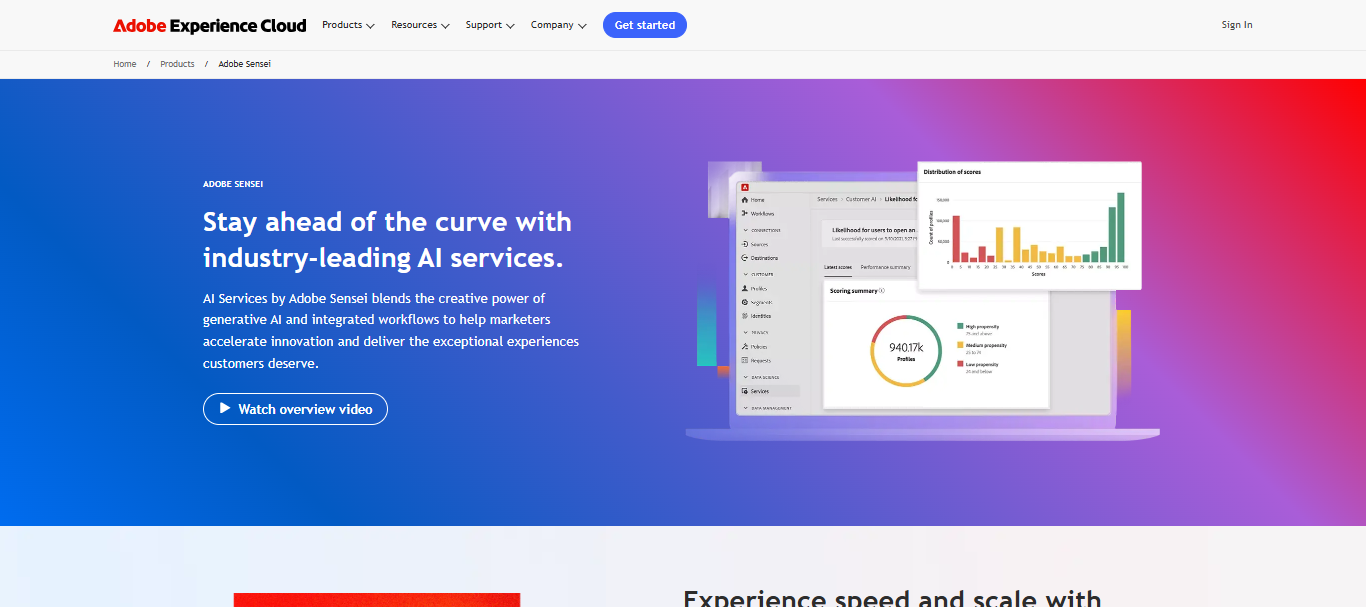
Adobe Sensei can help automate repetitive tasks, and increase user experience. Moreover, the platform integrates smoothly with other Adobe products, which makes it one of the best AI tools for UI UX design.
Features:
- Data analytics;
- AI-driven automation;
- Real-time decision-making tools.
Pros and Cons:
| Pro | Con |
| Scalable integrations; Personalized experiences. | Lack of customization options; pricey. |
Pricing:
As a part of Adobe Creative Cloud, Adobe Sensei’s price depends on the Adobe products you want to buy. For instance, Creative Cloud All App costs $89.99 per month.
9. Attention Insight
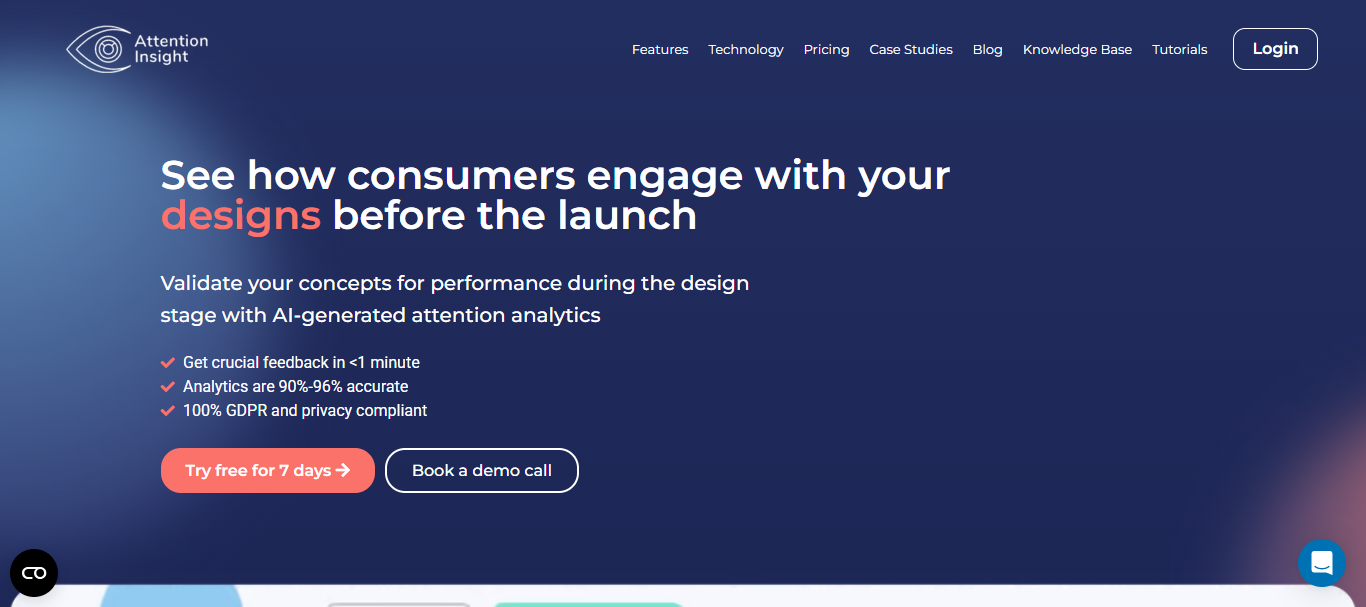
Attention Insight will help you analyze your website performance before you’re ready for launch.
Features:
- Attention heatmaps;
- focus map;
- clarity score.
Pros and Cons:
| Pro | Con |
| User-friendly; high-accuracy result. | High learning curve. |
Pricing:
- Basic: $31 per month
- Pro: $129 per month
- Hero: $324 per month
10. ChatGPT
As a strong AI-powered chatbot, ChatGPT can help you optimize your work, like content generation or design suggestions.
Features:
- Interactive and smart AI chatbot;
- Real-time response;
- multi-lingual and translations.
Pros and Cons:
| Pro | Con |
| User-friendly; extensive content generation. | Accuracy issue. |
Pricing:
- Free: $0
- Plus: $20 per month
- Pro: $200 per month
Also Read: 20+ Best Clean Fonts for Websites to Boost Readability
Enhance your design process with AI tools for UI UX design!
AI tools for UI UX design provide a fresh approach for designers to finish their job. These tools are groundbreaking for professionals and beginners, offering strong capabilities to improve creativity, optimize processes, and automate tedious activities.
As you utilize these tools, remember that typography is also critical in designing visually appealing interfaces. Explore more premium typefaces at RantauType Studio.
Here, you won’t just find exclusive font collections, but also a wide selection of font licenses ideal for various applications, such as websites, apps, and games. For additional information, visit our website or contact us via email!